The Octagon SF8008 4K V3 UHD supports a wide range of images, allows the download of additional plugins, and offers HDR, HLG, and H.265 decoding. With Gigabit LAN (1000 Mbps) and a built-in Wi-Fi module, it ensures a fast connection to high-resolution content. Two Wi-Fi antennas are also available. With an M.2 slot, USB 3.0, USB 2.0, a microSD slot, and a card reader, the receiver offers ample options for playing content from external storage devices. Additional connections include HDMI 2.0, AV (audio & video), and an S/PDIF output for digital audio signals. In standby mode, power consumption is less than 0.5 watts.
We Install Open ATV Enigma 2 software on Slot 1 and OS Define software on Slot 2, leaving Slot 3 and 4 open. Open ATV is one of many different Enigma 2 operating software that is available for the SF8008. OS Define is the same software that is used in the SX87 and SX88 Octagon Models and it is an operating system that is much easier to learn and use. It is more along the lines of operating software used in most basic FTA receivers for several years.
With the Option of Multi-Boot and OS Define Operating Software (Easy Software), now even the most novice user can use the Best Receiver that we have to offer.
Please Note, that when using the OS Define Operating Software on the SF8008 DUAL Tuner model, the receiver thinks it is now an SX88 model, which only has 1 Tuner. So while running OS Define, you will not have access to Tuner B. When using any of the Enigman 2 Operating Software, you have full access to Both Tuner A and B.
The receiver can also be connected to your network and you take the IP Address of the SF8008 and open up a Broswer on your computer and type in the receiver IP address and it will open up a Webif Interface, allowing you to run the receiver from your computer. If you have a fast enough computer with enough memory, you can scan in the ABC or CBS 4:2:2 MPEG4 H.264 and H.265 Network feeds and then from the Webif, click on the channel name and once Lock is confirmed, then click on the TV Icon next to the channel name and save that channel name as a VLC file and then find and open the VLC file saved and VLC will play them, as it has the proper codecs. If you have an HDMI output on your computer, then you can send it out to your TV Set.
 |
 |
 |
 |
 |
 |
 |
 |
 |
 |
(Click on Above Pictures for
Larger View)
Receiver
Power Supply comes with US Plug Adapter
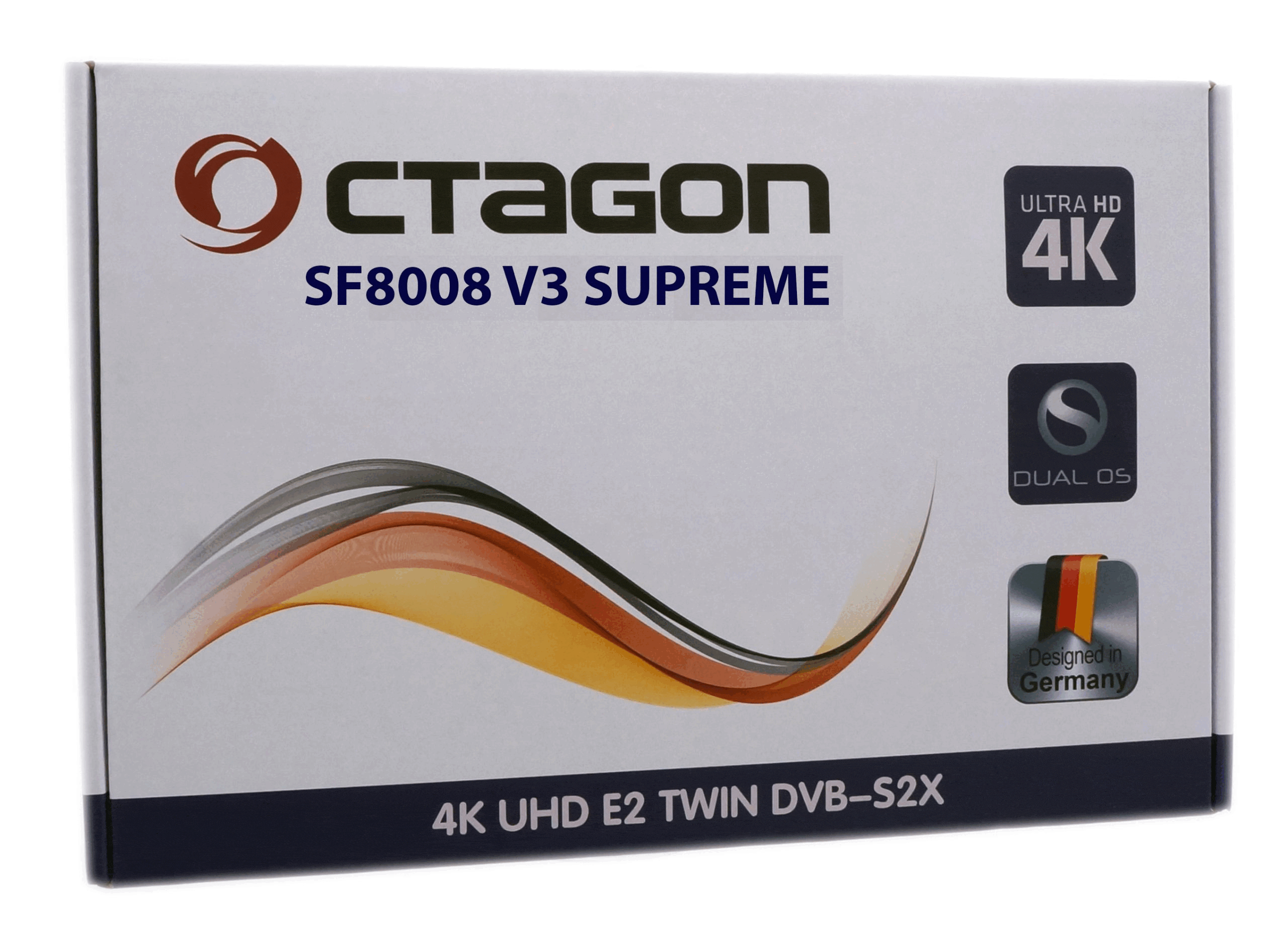
OCTAGON SF8008 V3 SUPREME 4K UHD E2
DVB-S2X TWIN (DUAL OS) Satellite / IPTV Receiver with
Multi-Boot
Download User
Manual
Versatile:
The receiver offers a PVR recording function, time-shifted TV via internal M.2 HDD or external USB stick, access to YouTube, WiFi, media player & media library, internet functions, plug-in download and is suitable for use while camping and more.
Extensive features:
The receiver has dual OS with E2 Linux and Define OS, 2xDVB-S2X satellite tuners, recording function and supports customizable skin user interface as well as many free plugins (extensions and apps) under the E2 Linux OS.
User-friendly:
The receiver offers an intuitive multilingual menu, extended EPG (Electronic Program Guide), numerous images and skins for download, satellite-to-IP TV optimization and support for E2 Multiroom Client.
Future-proof:
The receiver is equipped with a 4K H.265 HEVC UHD processor, 8GB eMMC Flash/1GB DDR DRAM, M.2 SSD slot, HDMI & USB with PVR function, LAN, Wi-Fi, AV via RCA and optimized for satellite-to-IP TV.
Metal housing & solid workmanship
MAIN FEATURES:
– Dual OS: E2 Linux & Define OS Linux
– 4K H.265 HEVC UHD Processor (3840 x 2160)
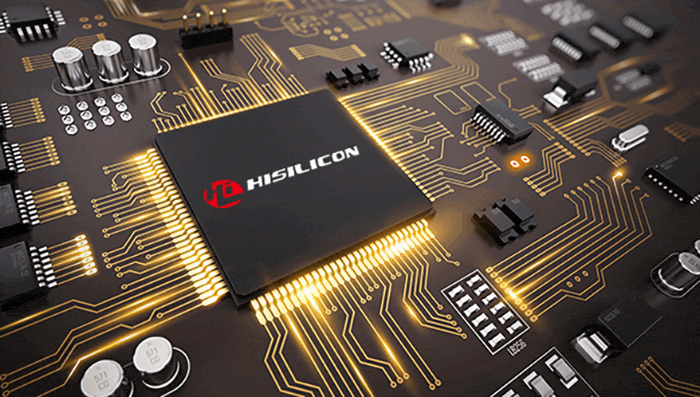
– Hisilicon Hi3798MV200 Huawei
– Quad Core 64Bit (4x 1.6GHz) 15000 DMIPS
– Flash 8GB eMMC
– RAM 1GB DDR4
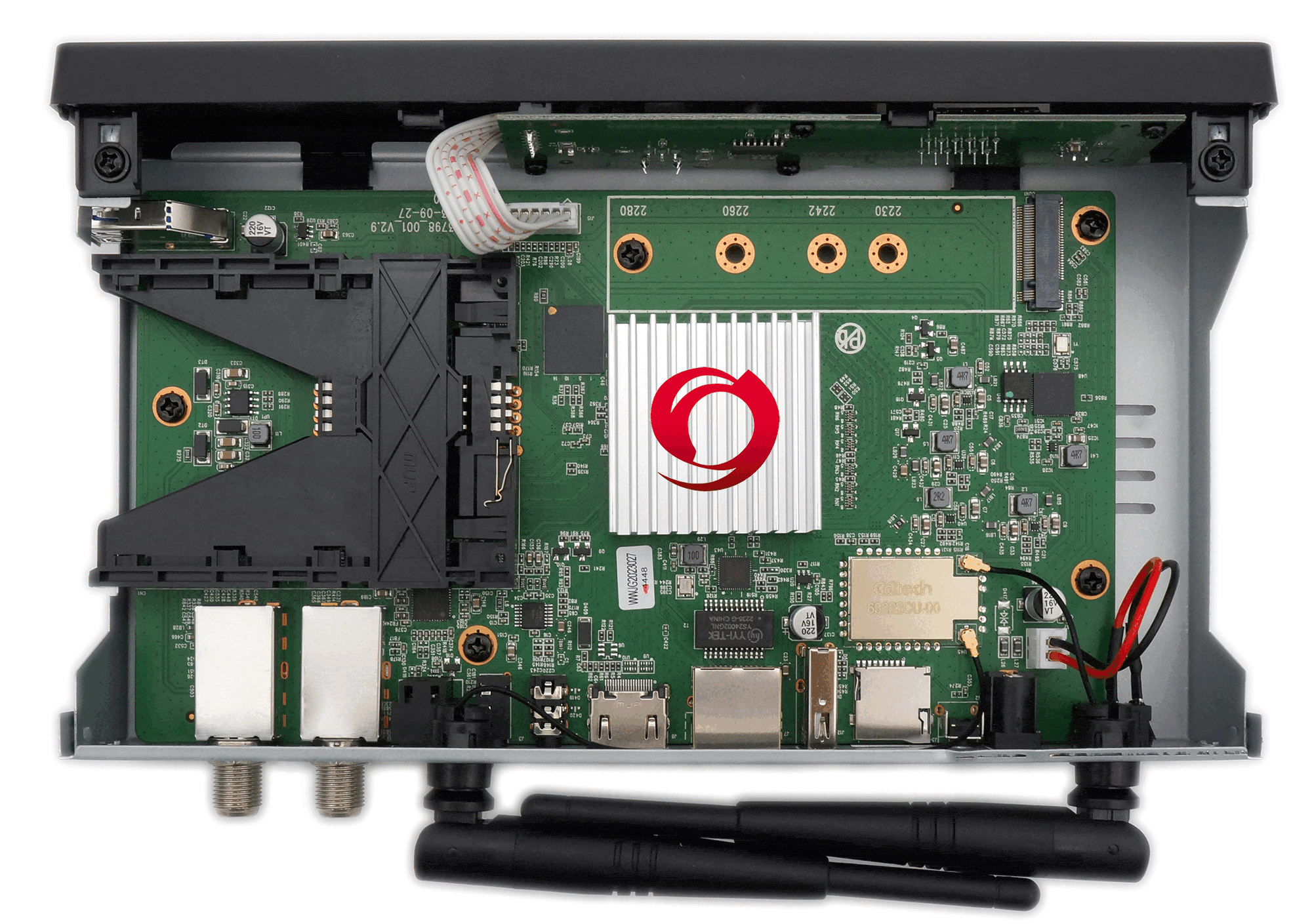
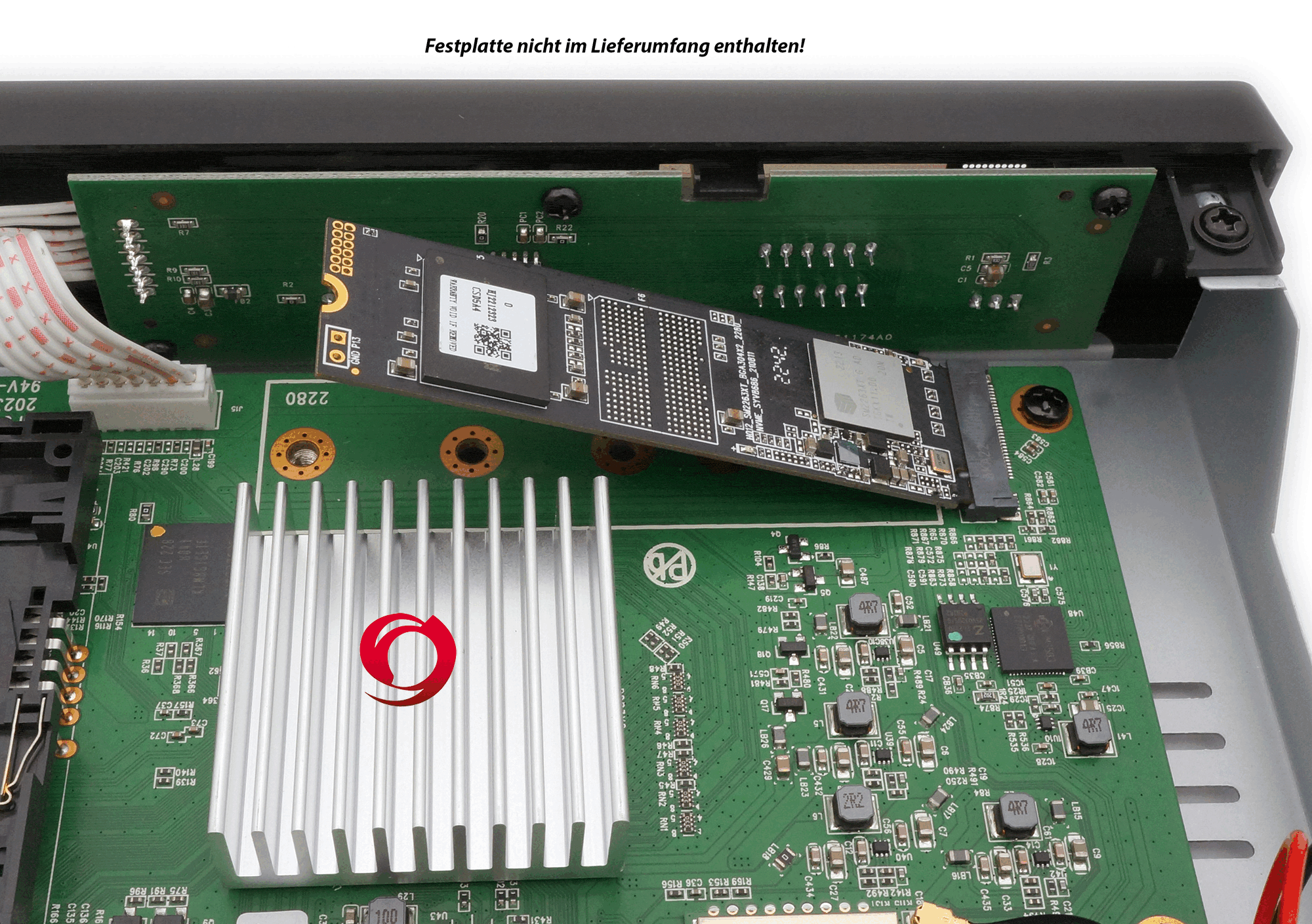
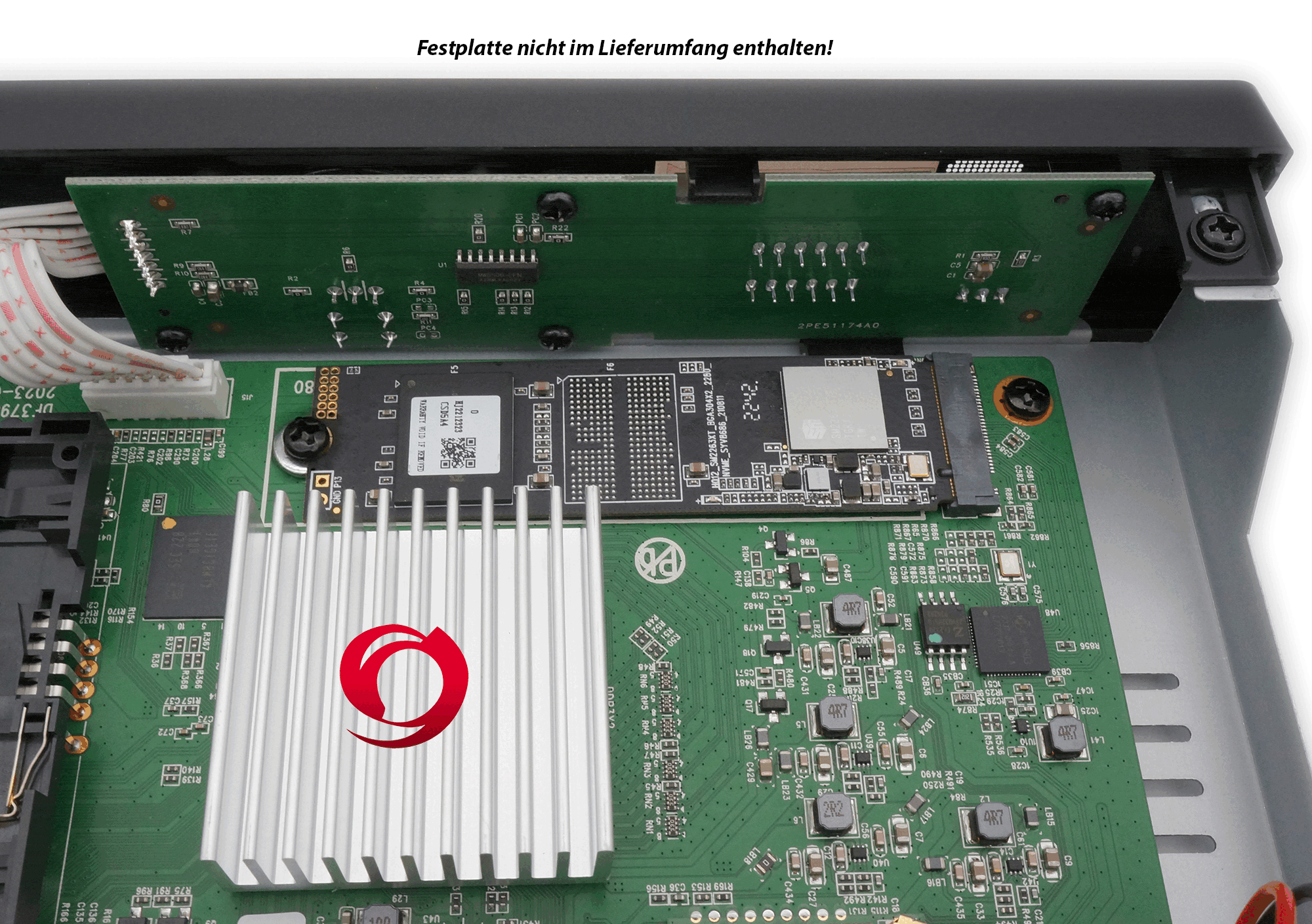
– M.2 slot (M.2 SSD: M KEY – PCIE NVME)
– Gigabit LAN Ethernet (1000Mbps) network interface
– Built-in 2.4/5G dual-band WiFi (WLAN) up to 1200Mbps, 2x WiFi antennas
– 4-digit 7-segment display
– CA card reader
– Hardware BlindScan (blind search)
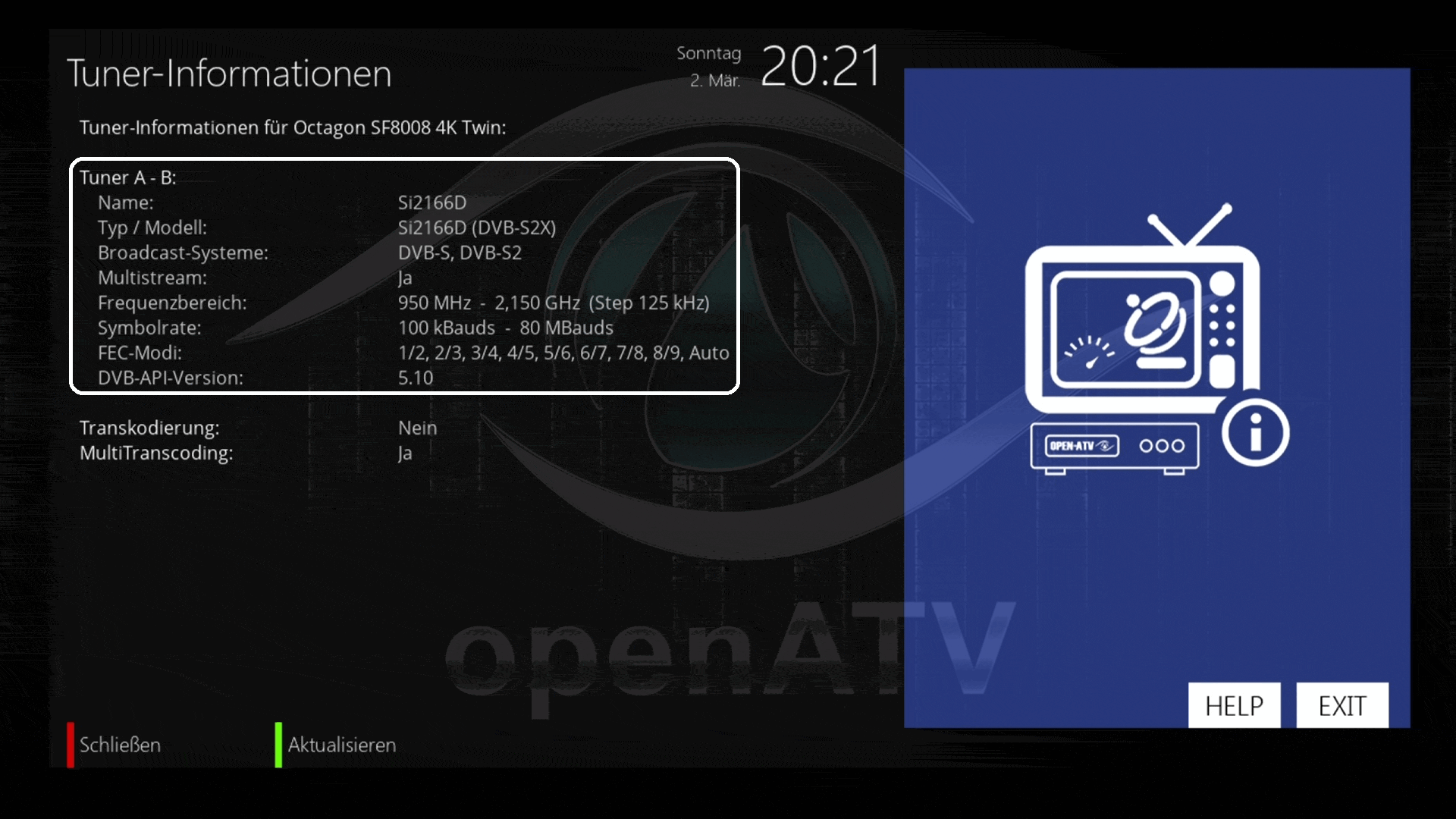
– 2 x DVB-S2X (twin tuner) + multistream support
– Multiroom client & Sat to IP client support
– HDMI 2.0a & USB 3.0
– MicroSD slot
– HDMI CEC support
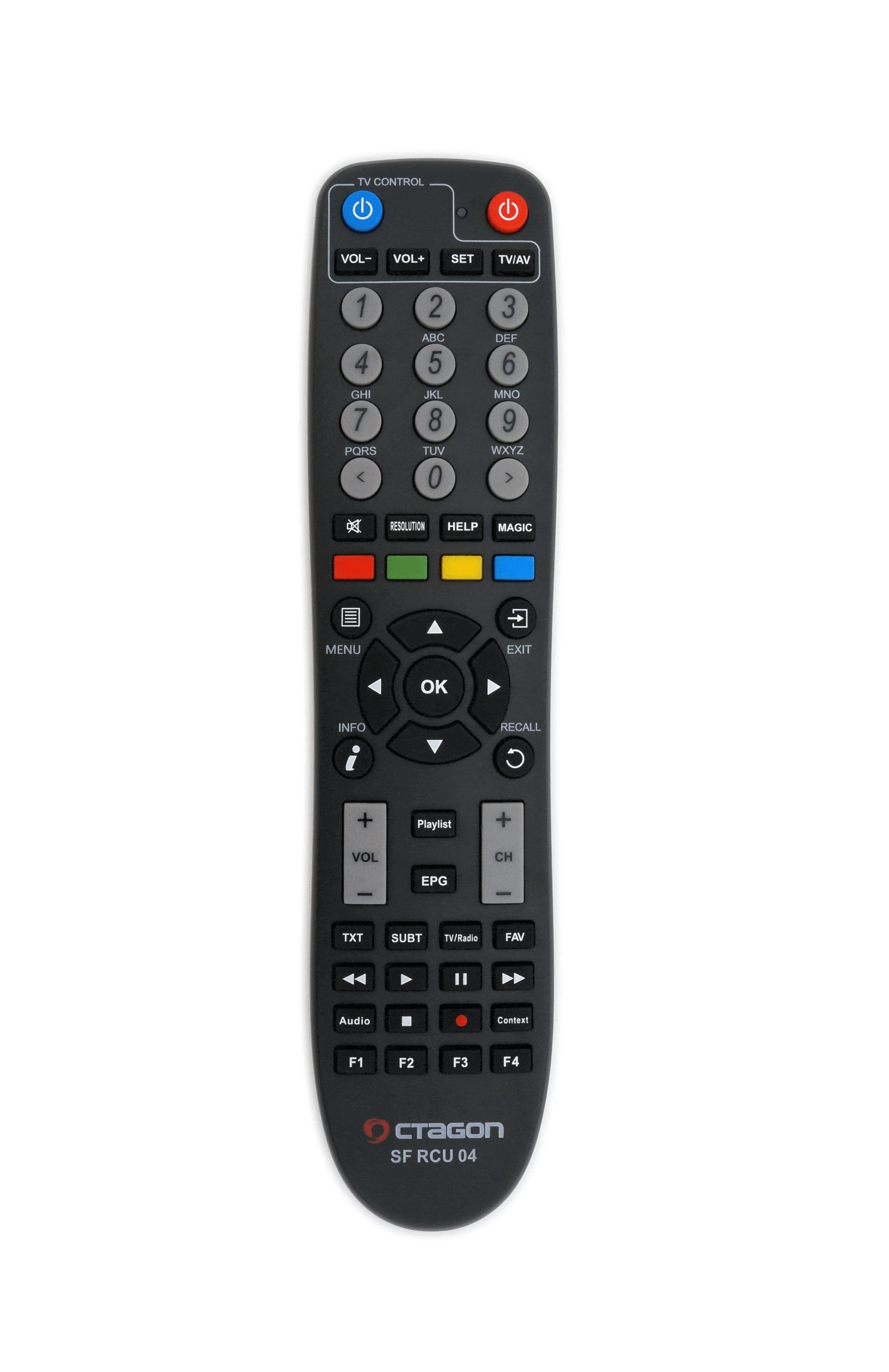
– Learnable remote control
SPECIAL FEATURES:
– DUAL OS: E2 Linux OS operating system & OCTAGON Define Linux OS
– 2x DVB-S2X 4K UHD & Multistream (T2-MI direct input)
– Symbol rates from 100 – 80,000 SR
– PIP HD & UHD (picture in picture)
– HDR 10bit & HLG
– Multi transcoding & multiroom
– Sat>IP client & V-tuner USB dongle
– Blind scan (blind search)
– Media libraries of public broadcasters
– HW multiboot
– ffmpeq HW playback support
– 2160P media playback H.264 and H.265
– OTA updates
– DiSEqC 1.0/1.1/1.2, USALS, Unicable, Fast-Scan
– PVR recordings (*optional)
– 12V connection (also suitable as a camping receiver for motorhomes or caravans. 12V car adapter not included)
– 0.5W Standby
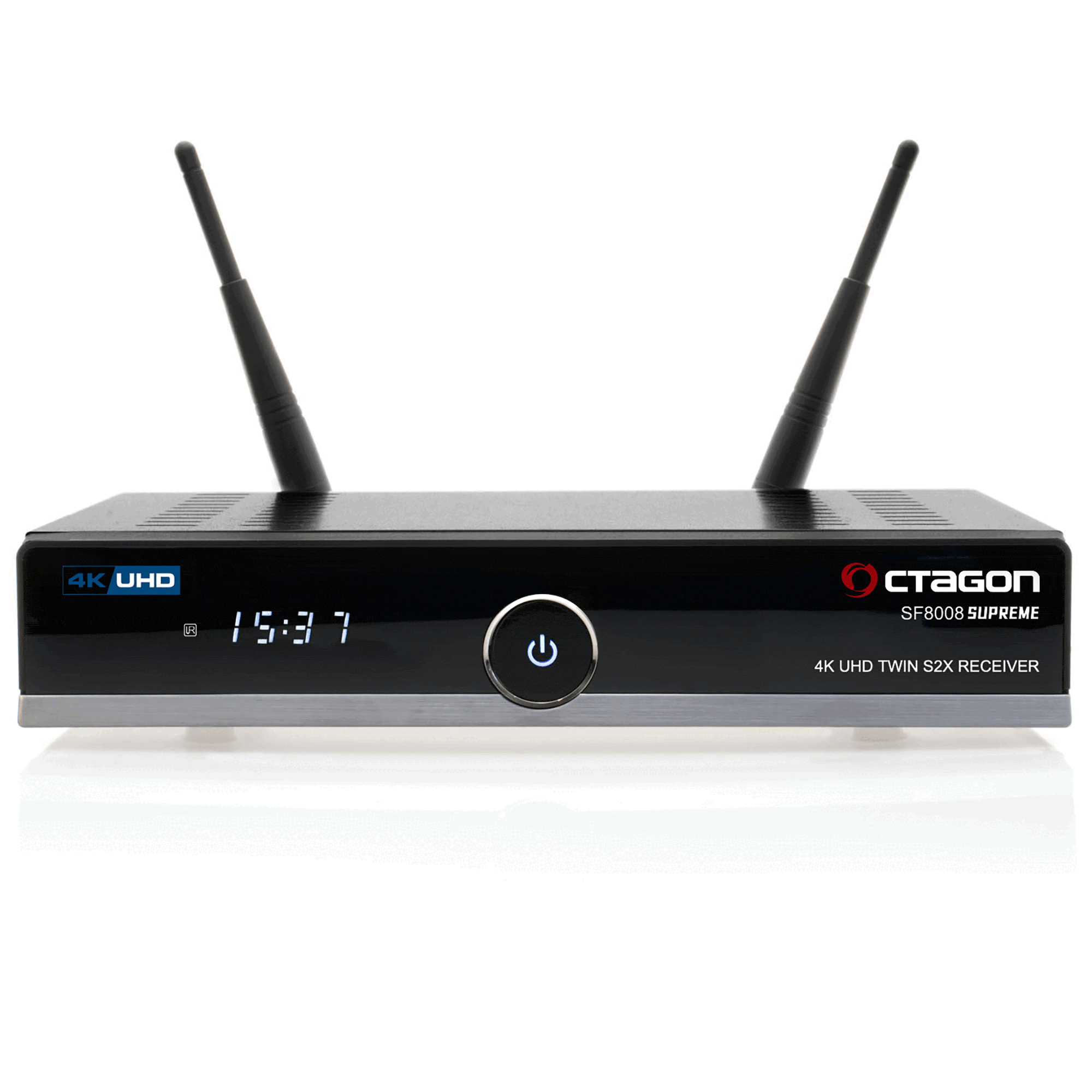
FRONT PANEL:
– Power button
– 4-digit 7-segment display
– LED indicator (red / blue)
– IR sensor (infrared receiver)
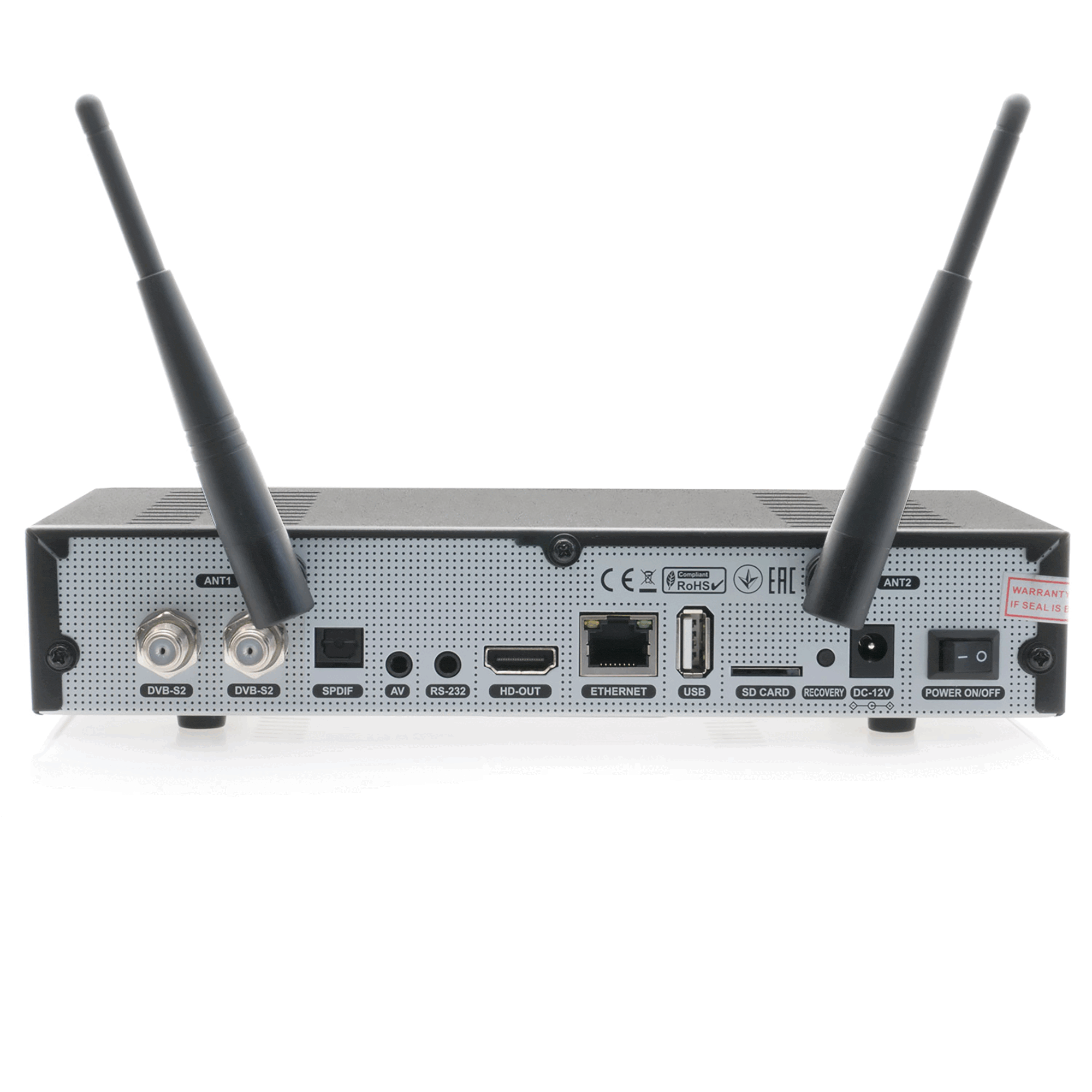
REAR PANEL:
– 2x H.265 4K UHD DVB-S2X tuner LNB input
– Dolby S-PDIF
– AV – Audio Video socket – Jack to RCA
– RS-232 socket (maintenance & service)
– WiFi 2x WLAN antennas
– HDMI 2.0a output
– USB 2.0 port
– Network Gigabit LAN (1000Mbps)
– MicroSD slot
– Recovery (reset) button
– DC-12V power supply
– Power switch on/off
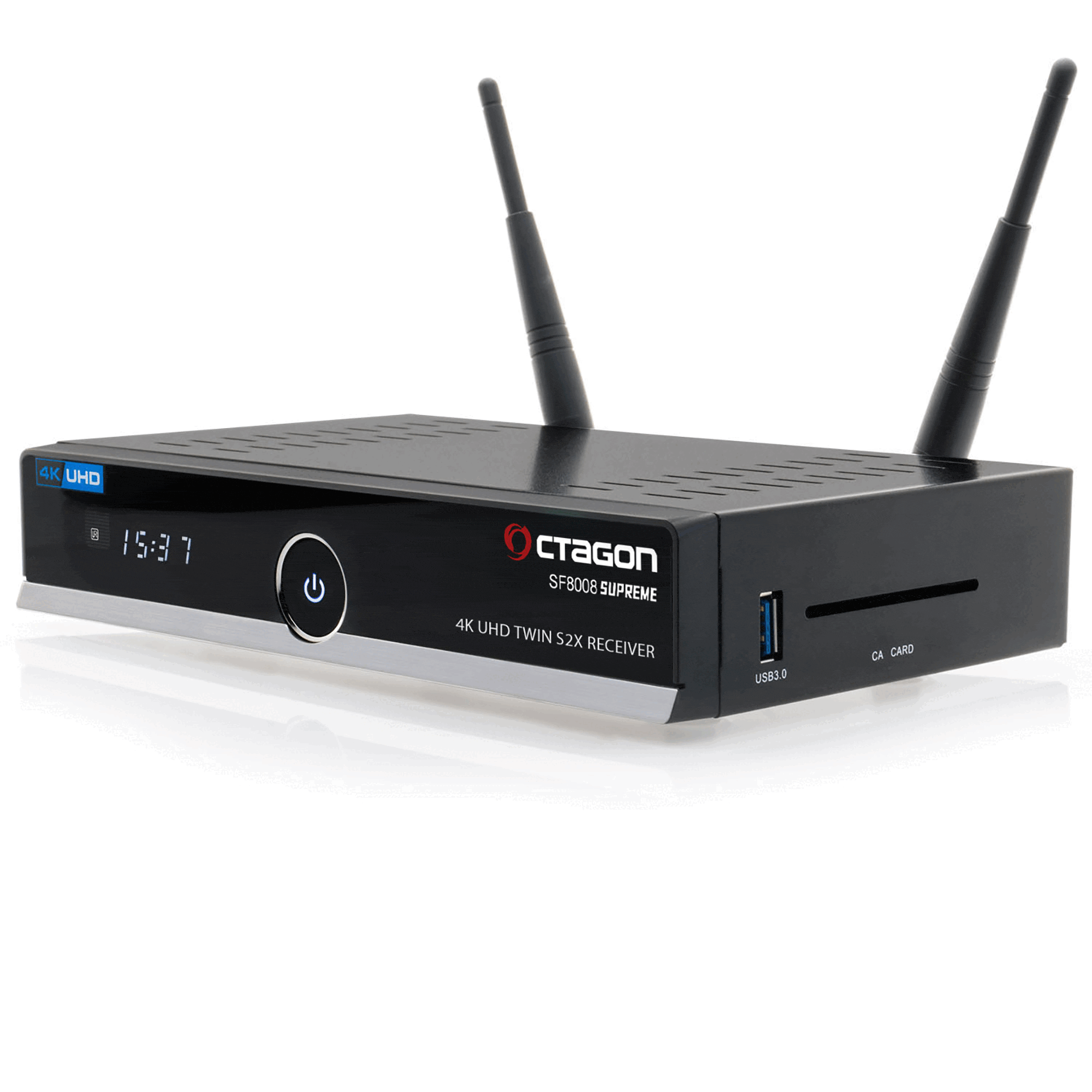
RIGHT SIDE:
– USB 3.0 port
– Card reader (CA CARD)