Expert Teachers
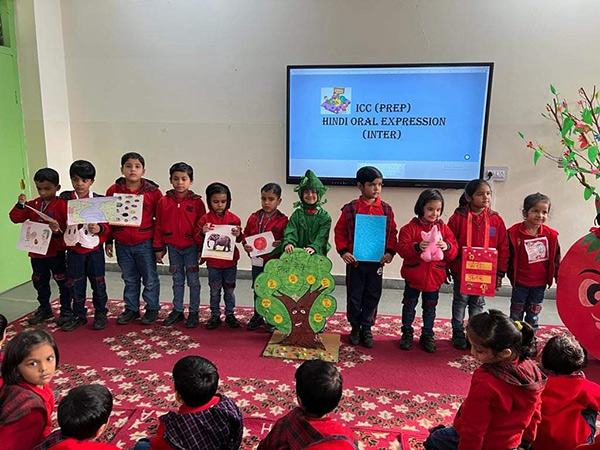
Highly qualified educators dedicated to providing quality education for students' success.
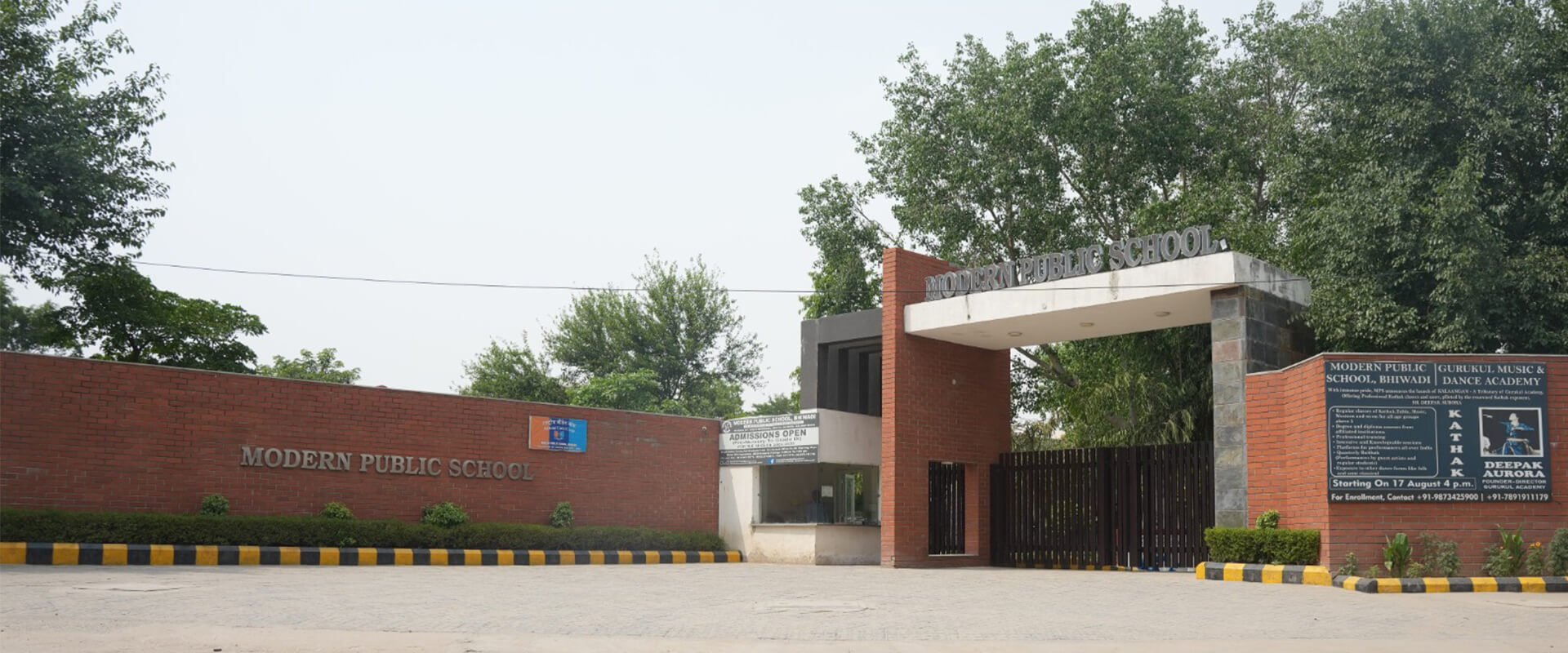

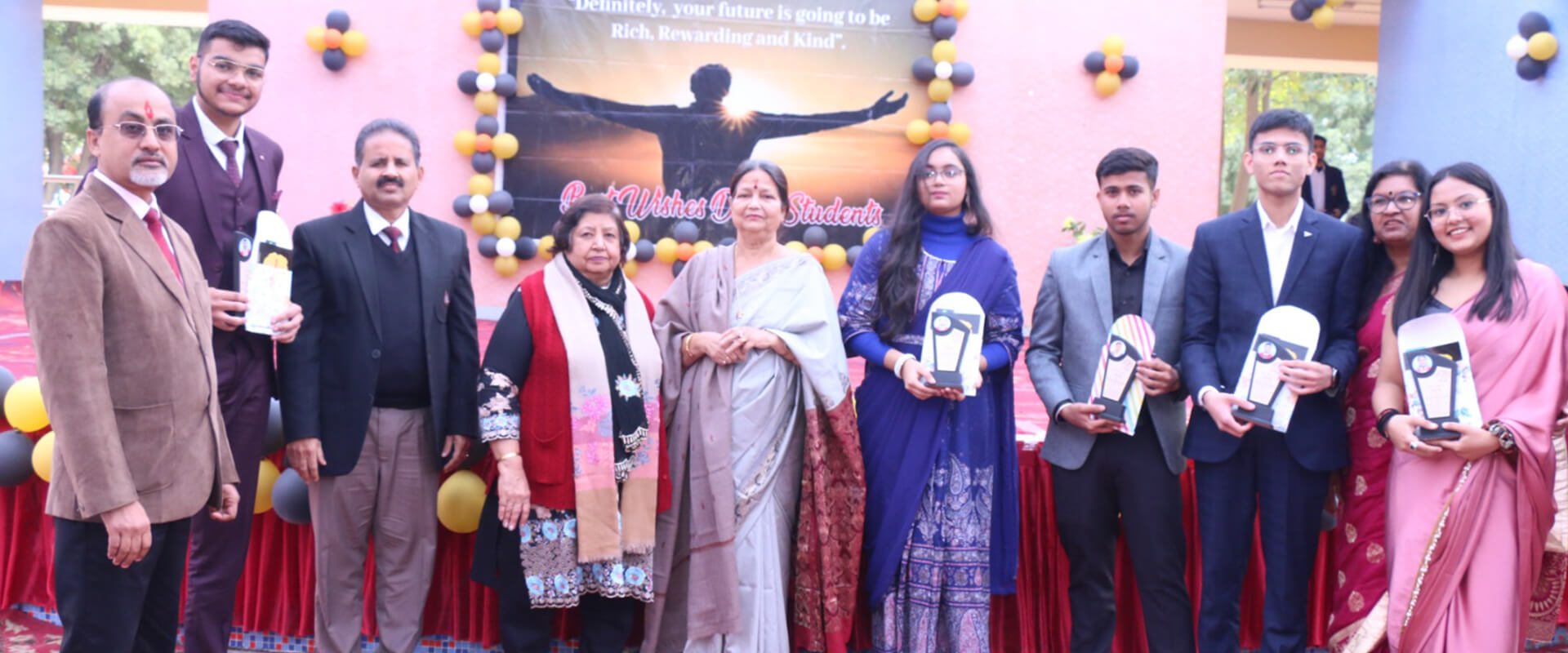
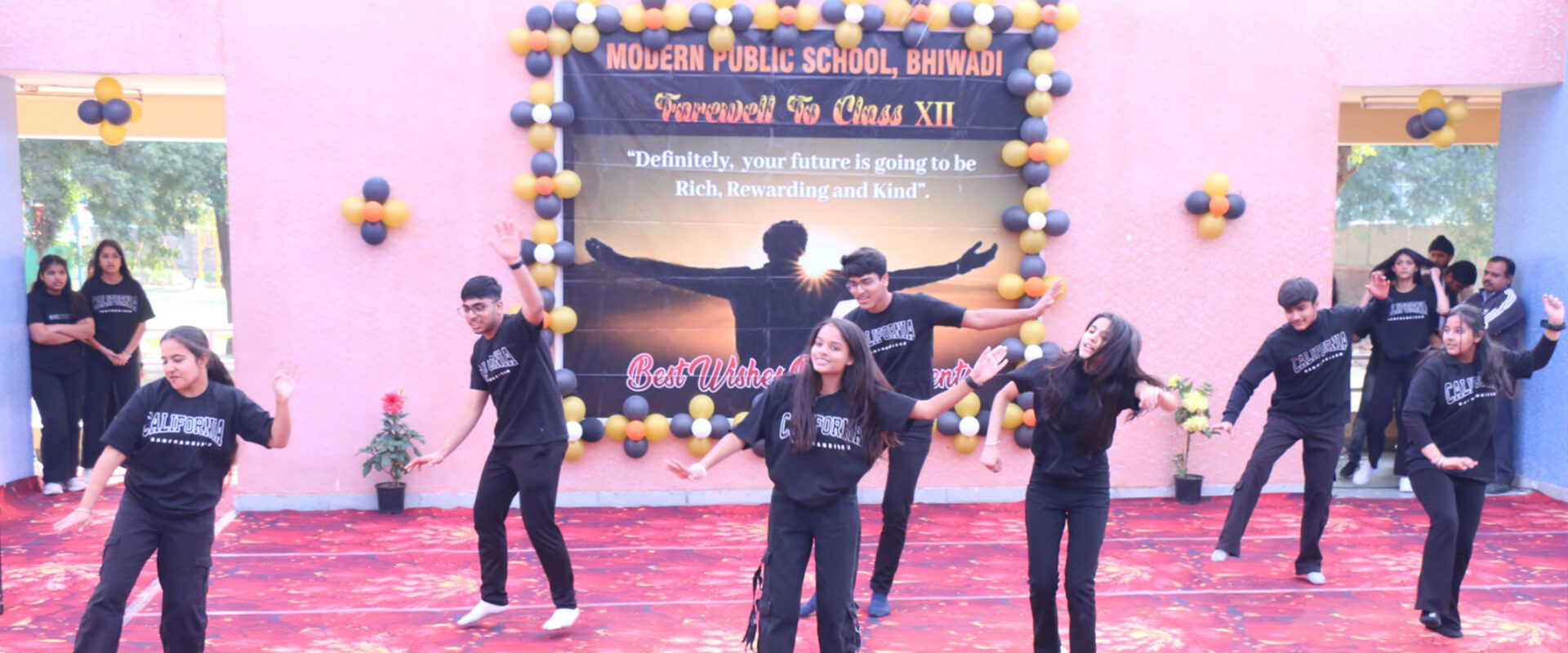
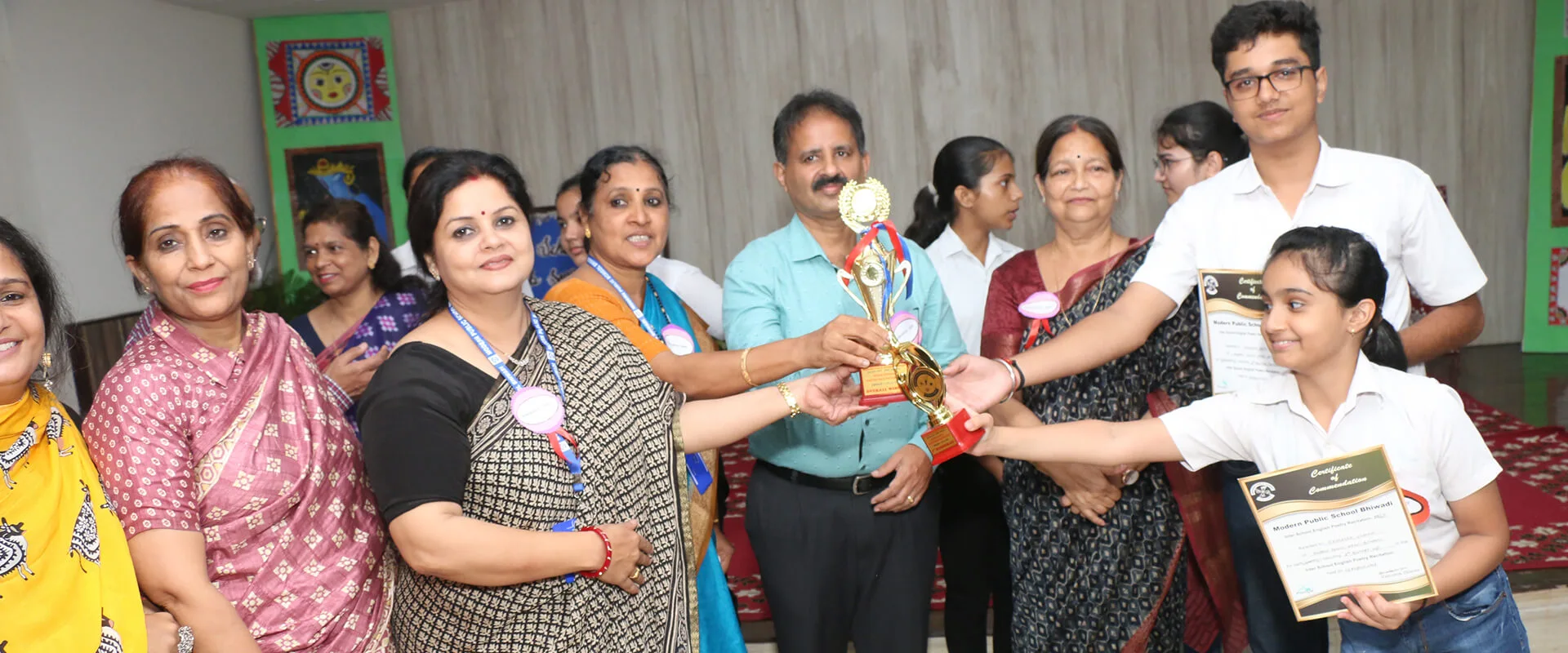
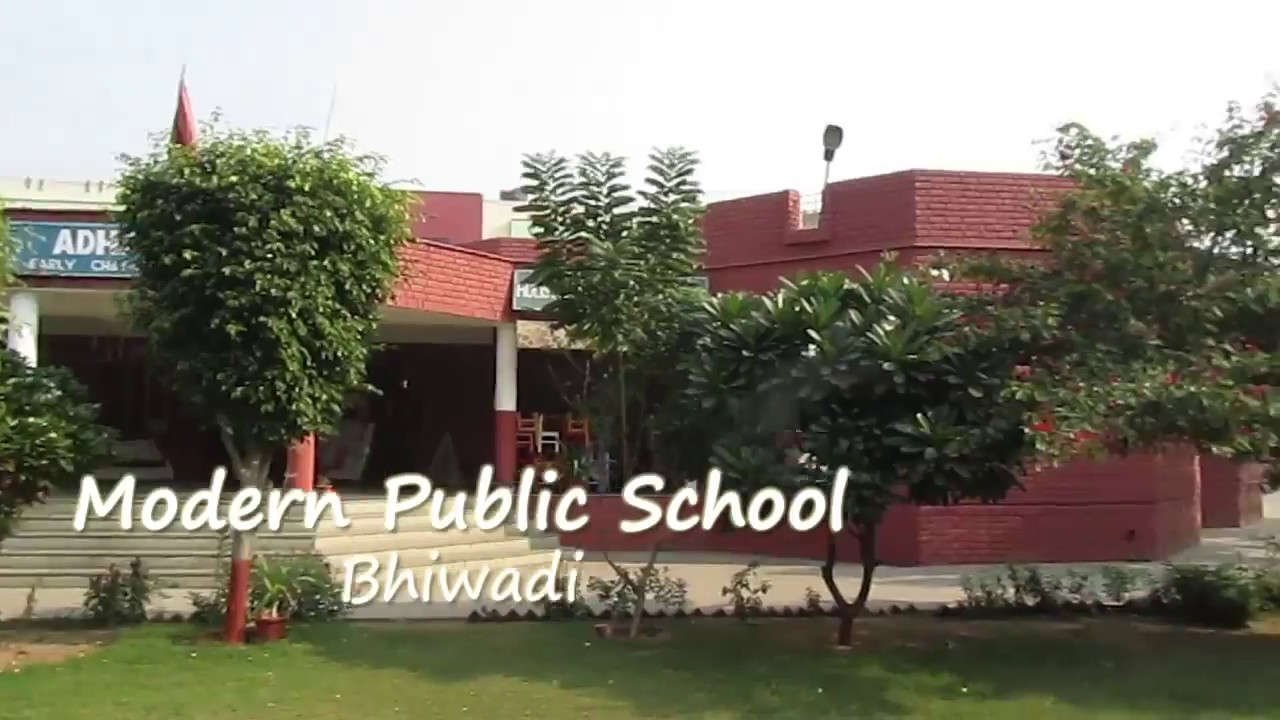
Modern Public School, Bhiwadi stands as a distinguished educational institution in Rajasthan, tracing its roots back to its establishment in 1986. Founded as a public school in Bhiwadi, it operates under the stewardship of the Model Public School Society as a private institution. Aligned with the Central Board of Secondary Education (CBSE), the largest educational board in India, and recognized by the Department of Education, Government of Rajasthan, MPS Bhiwadi has upheld a legacy of academic excellence and holistic development. Nestled amidst 15.5 acres of scenic land along the Bhiwadi-Dharuhera road, the school boasts a picturesque environment conducive to learning.
Diverse community, rigorous academics, nurturing environment—our school cultivates excellence uniquely
Highly qualified educators dedicated to providing quality education for students' success.
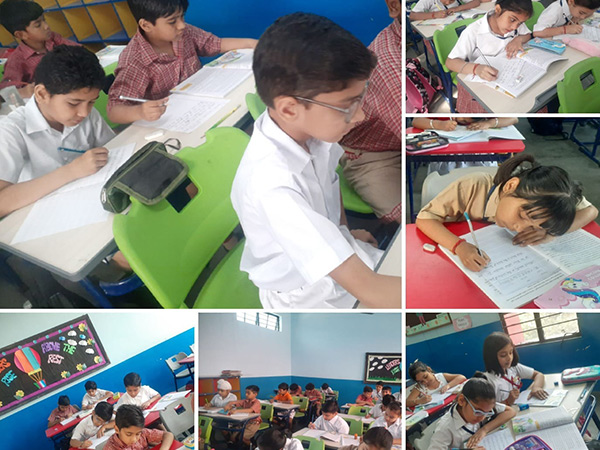
Dynamic multimedia classes, innovative learning, catering to diverse styles for excellence.
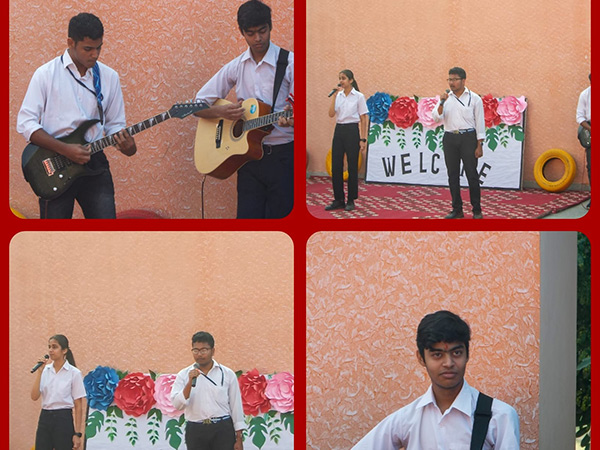
Boost creativity with music and art, fostering self-expression for a well-rounded education.

Prioritizing a safe, inclusive environment; ensuring each student feels valued and respected.
Actively engages the local community, organizes events, and instills social responsibility in students.
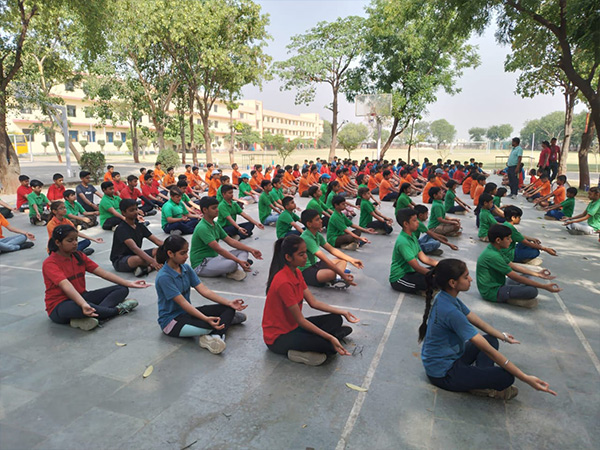
Committed to holistic student development: academics, character, emotional intelligence, physical well-being.

Manager
The school will continue to strive for developing the qualities of creative thinking, coping with stress, decision making power and tolerance among themselves. Every single student is a precious asset of MPS since our hopes and dreams are to make shape through them. Their education should, therefore, not to be confined to books alone. At MPS students are encouraged to take a wider view of things and then shape their future. The student must learn and develop skills at school and in other areas of their lives that will help them become more independent and responsible individuals. They must be able to apply what they learn through education, in other areas of lives.

As Executive Director of Modern Public School ,Bhiwadi it is my pleasure to welcome you to our school website.
Modern Public School aims to create a supportive and inclusive environment where students are encouraged to explore their potential and achieve their personal best in all aspects of school life. Here students are being challenged and engaged through authentic learning opportunities that inspire them to develop creativity, confidence and resilience to become independent and ethical life-long learners.
Rapidiously expedite granular imperatives before economically sound web services. Credibly actualize pandemic strategic themeplatform.
Modern public school in Bhiwadi in Rajasthan near Dharuhera is old & famous school in this area. Lots of students come here for studies from nearby cities. Even many students from Rewari. Science wing is best . Result oriented teachers. Good infrastructure building. Lots of greenery . Pollution free & educational environment. Special attention on spoken English.

As i m also a student in this school i loved it and really it is a very good school and it is 28+ years old...Still looks new

The best school in the region. Awarded number one position in Alwar district by Education world four times.

This is a known fix for launching issues in Max Payne 3 that can also bypass the gsrld.dll error. It forces the game to start with basic settings, allowing you to change the renderer.
If the file is completely missing, you can manually replace it. Get a new copy from a site like DLLme .
Temporarily turn off your antivirus real-time protection so it does not block the download.
Your antivirus likely blocked the file. Check your protection history to restore it.
Most of the time, the file isn't gone—it's just "locked up" by Windows Defender or your third-party antivirus. How To Fix gsrld dll Error In Max Payne 3 This is a known fix for launching issues
Here’s a comprehensive, SEO-friendly content piece you can use for a blog post, YouTube description, or forum guide.
Paste it into the where MaxPayne3.exe is located (not the launcher folder). Overwrite the existing file if prompted. Method 4: Run as Administrator & Compatibility Mode
Missing runtimes can cause DLL loading failures:
If the above methods fail, the game files might be too damaged to repair. A clean reinstallation is necessary, but you must prevent the antivirus from eating the file again. Max Payne 3 via the Control Panel. Turn off real-time antivirus protection temporarily. Reinstall the game. Get a new copy from a site like DLLme
This error typically pops up when Windows Defender or third-party antivirus software flags the game's modified .dll file (the "crack") as a threat and removes or quarantines it.
If you have a legitimate copy but are using a mod that accidentally introduced this error (or you think the error is a mistake), delete the gsrld.dll file entirely and let the launcher fix it.
Disclaimer: This guide is intended for resolving software issues on legal, owned copies of games. Using cracks for illegal software distribution is against terms of service.
Look for a file named gsrld.dll detected as a threat (often listed as HackTool or Trojan ). Select the file and choose or Allow . Try launching the game again. Check your protection history to restore it
Locate the entry corresponding to the gsrld.dll block or folder. Click Actions and select Allow on device or Restore . Method 2: Exclude the Max Payne 3 Folder From Future Scans
Follow these proven troubleshooting methods in order to restore the file and get back to your game. Method 1: Restore the File from Windows Defender Quarantine
"The dynamic library 'gsrld.dll' failed to load. Please confirm that the file is in the game folder or reinstall the game."